🚚 Free Worldwide Shipping on All Orders!Shop Now

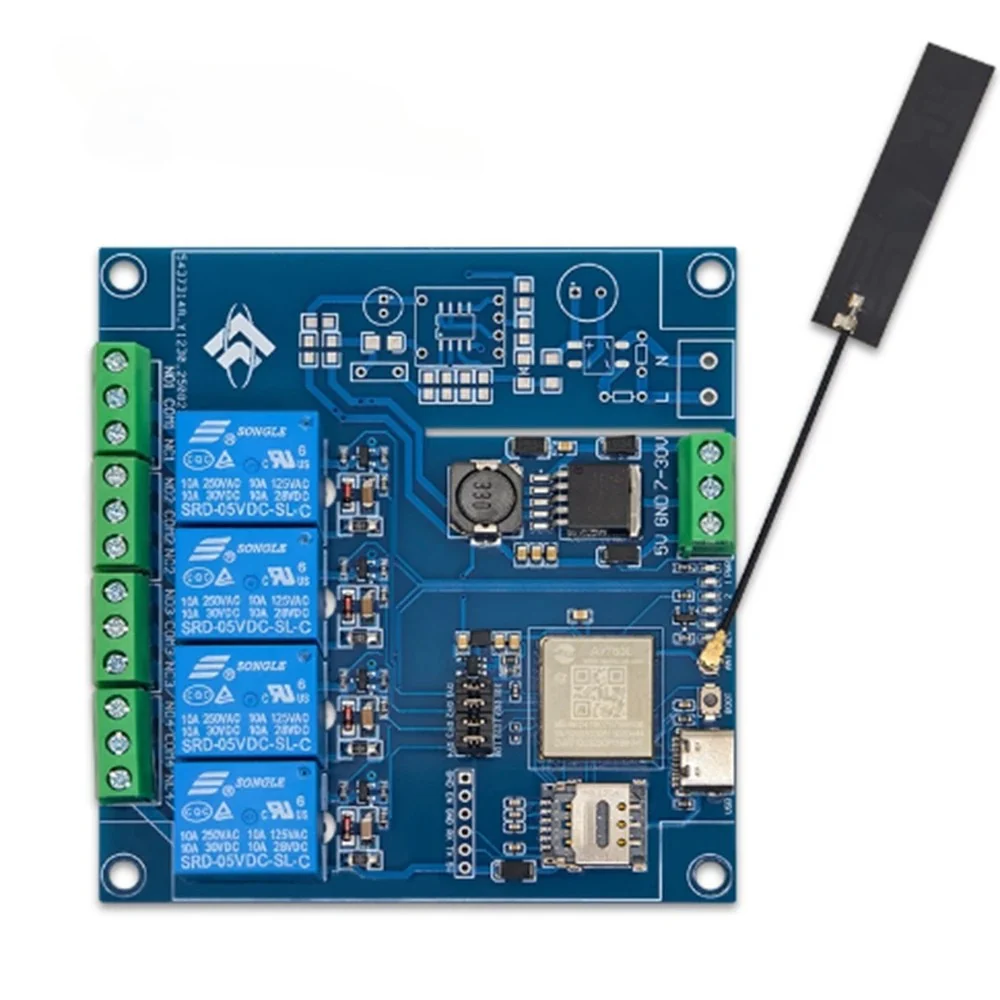
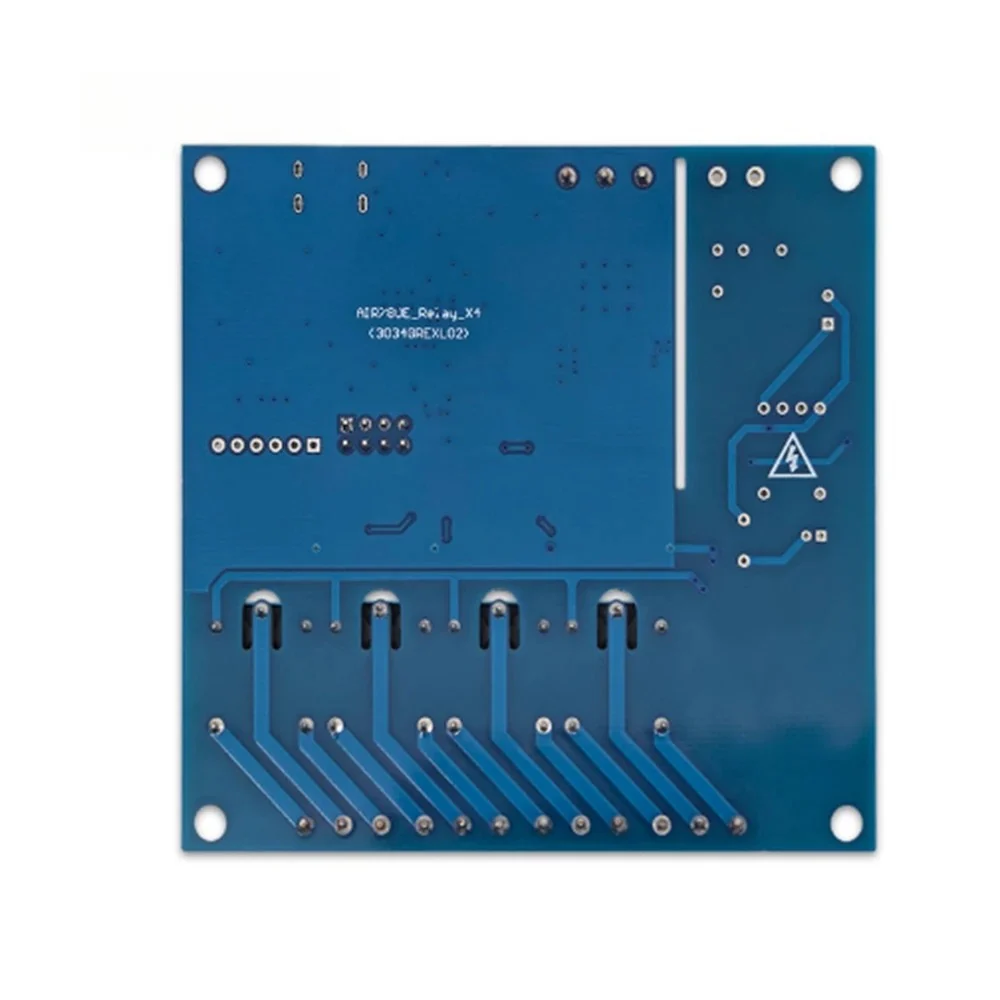
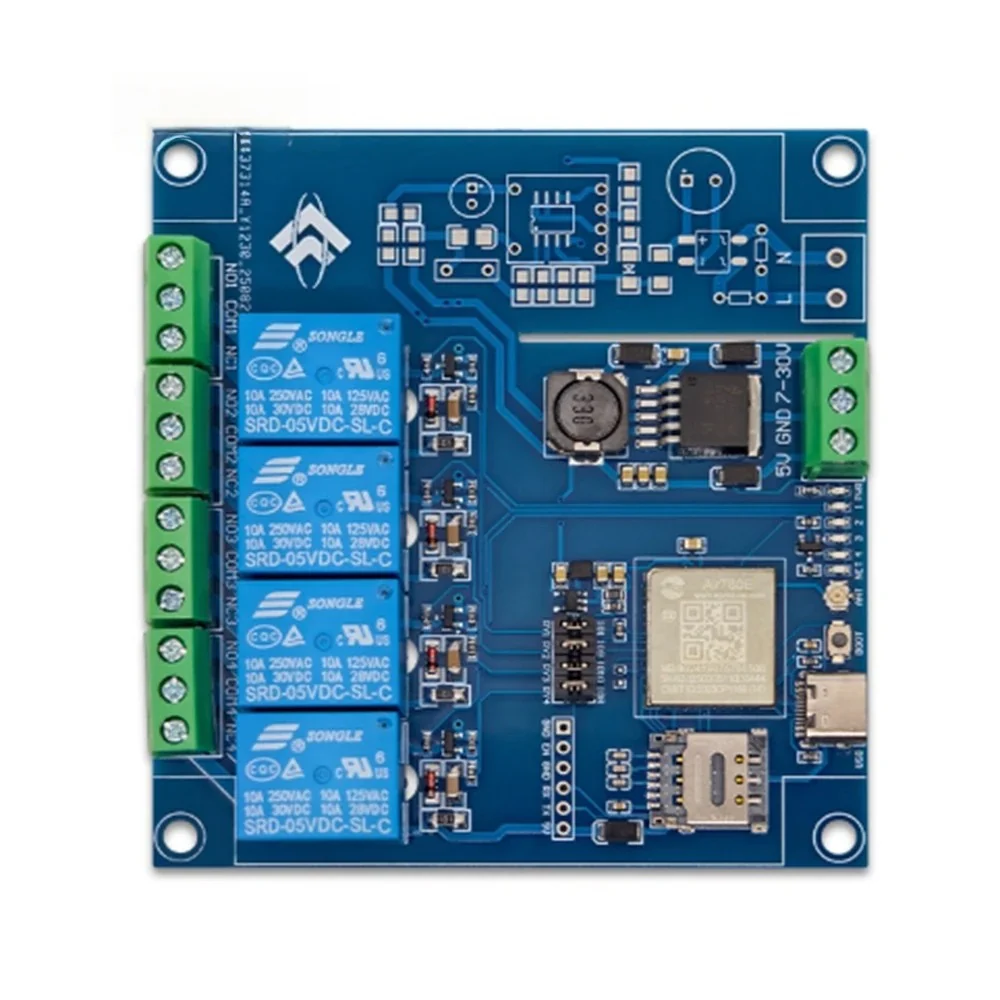
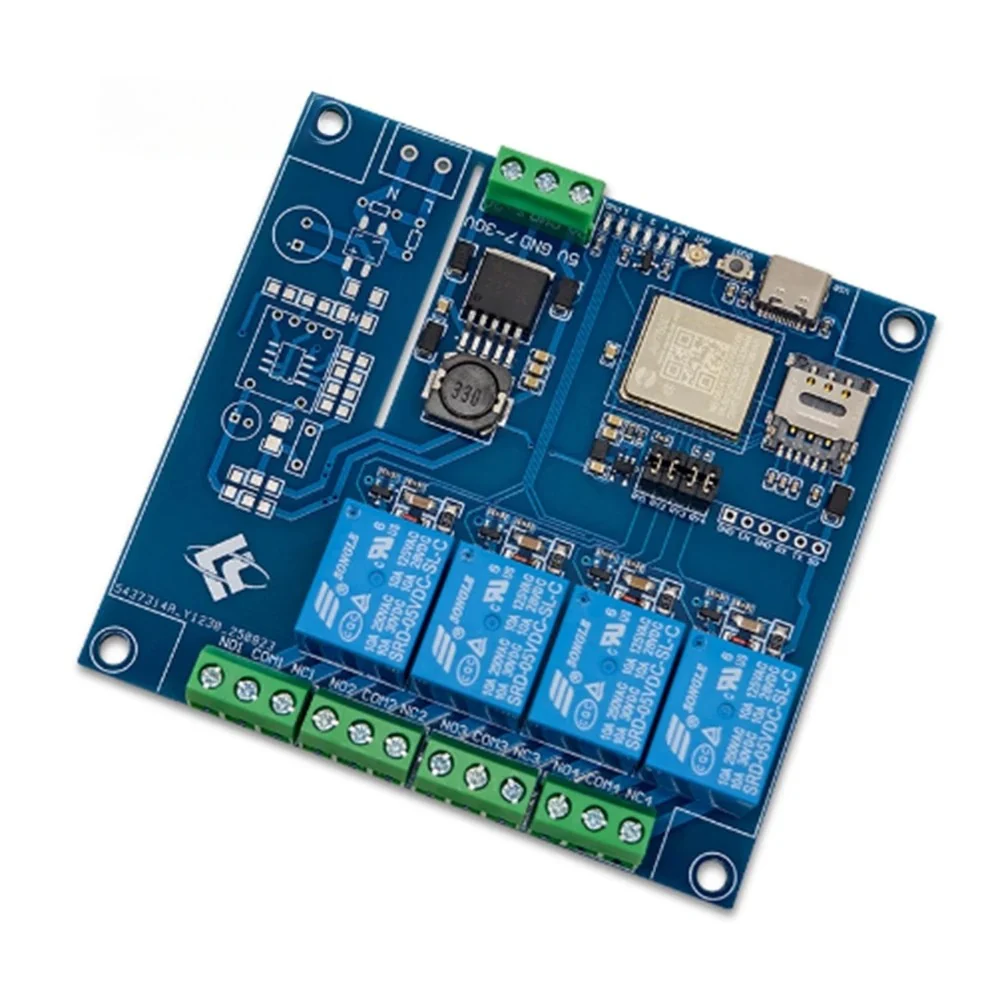
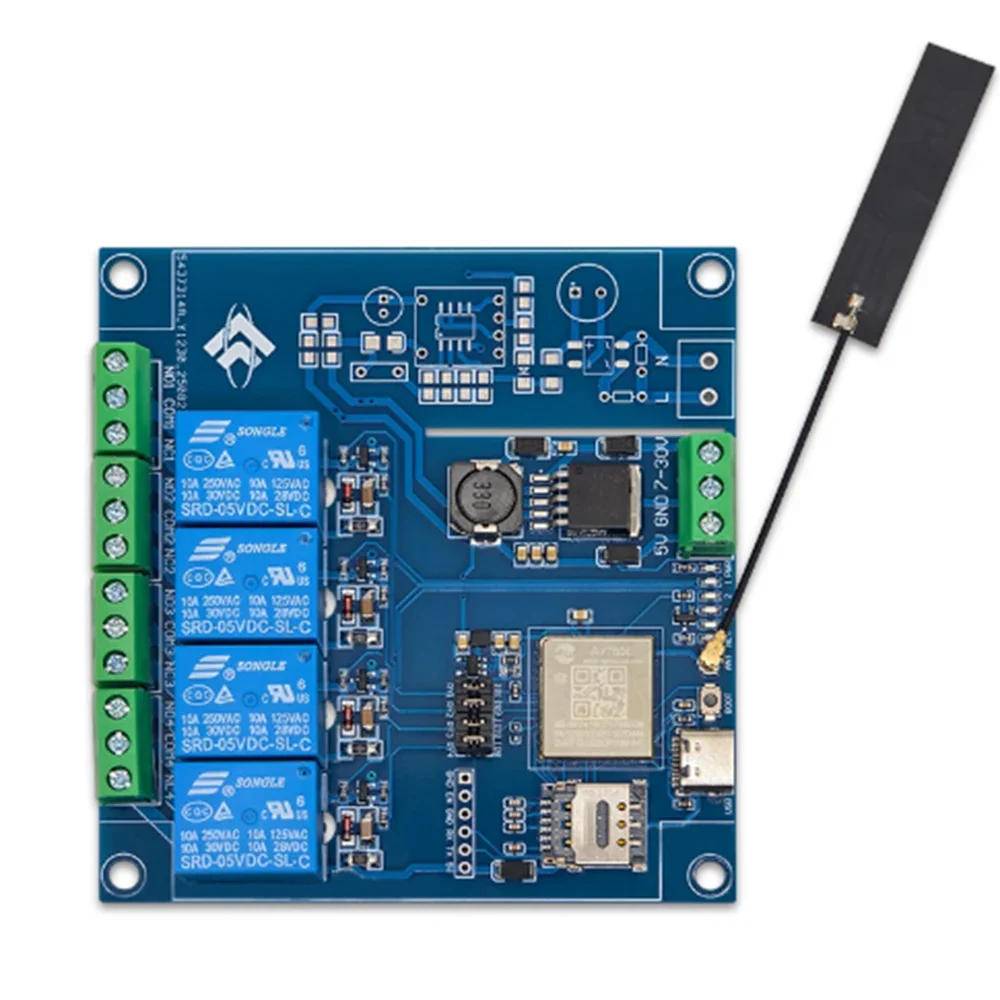
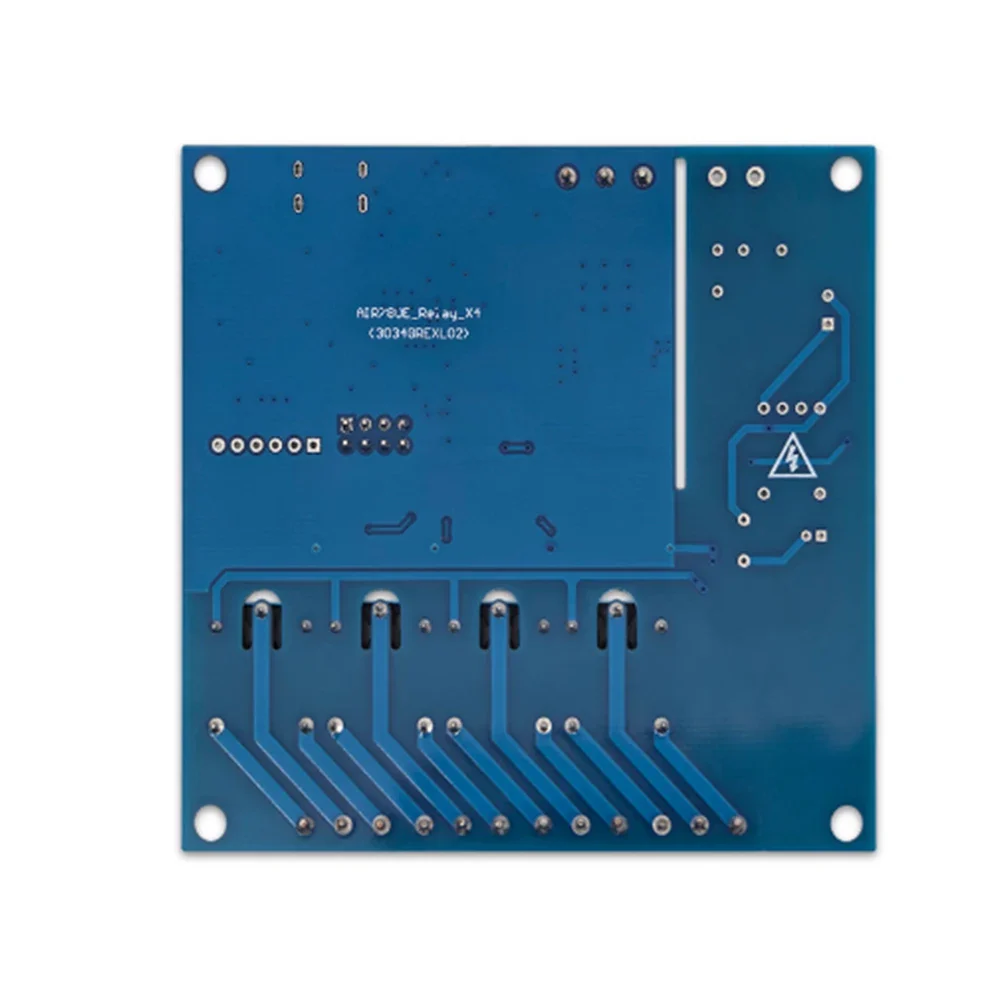
IR780E 4G full network four way relay module Bluetooth WiFi development board DC7-24V power supply
This product is only used for development learning and DIY accessories. The product involves certain technical knowledge. Please carefully review the product function introduction before making a purchase.
Product Overview
The 4G networked 4-channel relay uses AIR780E as the main control chip,
Air780E is the LTECat. 1bis communication module launched by HeZhou Communication,
4G full network, adaptable to different operators and products, default to using AT
Firmware, using AT commands for networking data transmission and reception functions; 4 road continuation
The electrical appliance is controlled by GPIO 1, 9, 10, and 8 pins, and the product supports Type_C port
5V+2.54mm pin arrangement 5V+DC7~24V.
Features
1. Users can develop based on AT instructions or directly based on
AIR780E development;
2. Onboard AIR780E module, low power consumption, sleep power consumption as low as 600uA;
3. Flip up nano SIM card holder, easy to install and remove;
4. Onboard blue AIR780E network status indicator light (GPO27);
5. Supports Type-C power supply and 2.54mm pin 5V power supply;
Instructions for Use
Preparation work: Using TYPE-C cable (with data function) and a Windows system computer
(Recommended for Windows 10 and above) Connect, insert the SIM card and 4G antenna into the board. Relay 4
Insert a jumper cap.
LuaTools installation:
1. Download the latest version of Luatools and unzip it to create a file named Luatools v3.exe
Running program;
2. Create a new LuaTools folder and copy or move Luatools_v3.exe to
Under the LuaTools folder;
3. Double click Luatatools_v3.exe to start installation. The following situation occurs. Click on the More Information option,
Then select the option to still run to complete the installation;
4. After running Luatools, you will be prompted to start the upgrade. Click on 'Start' to proceed with the upgrade. Once the upgrade is complete
Can be used normally.
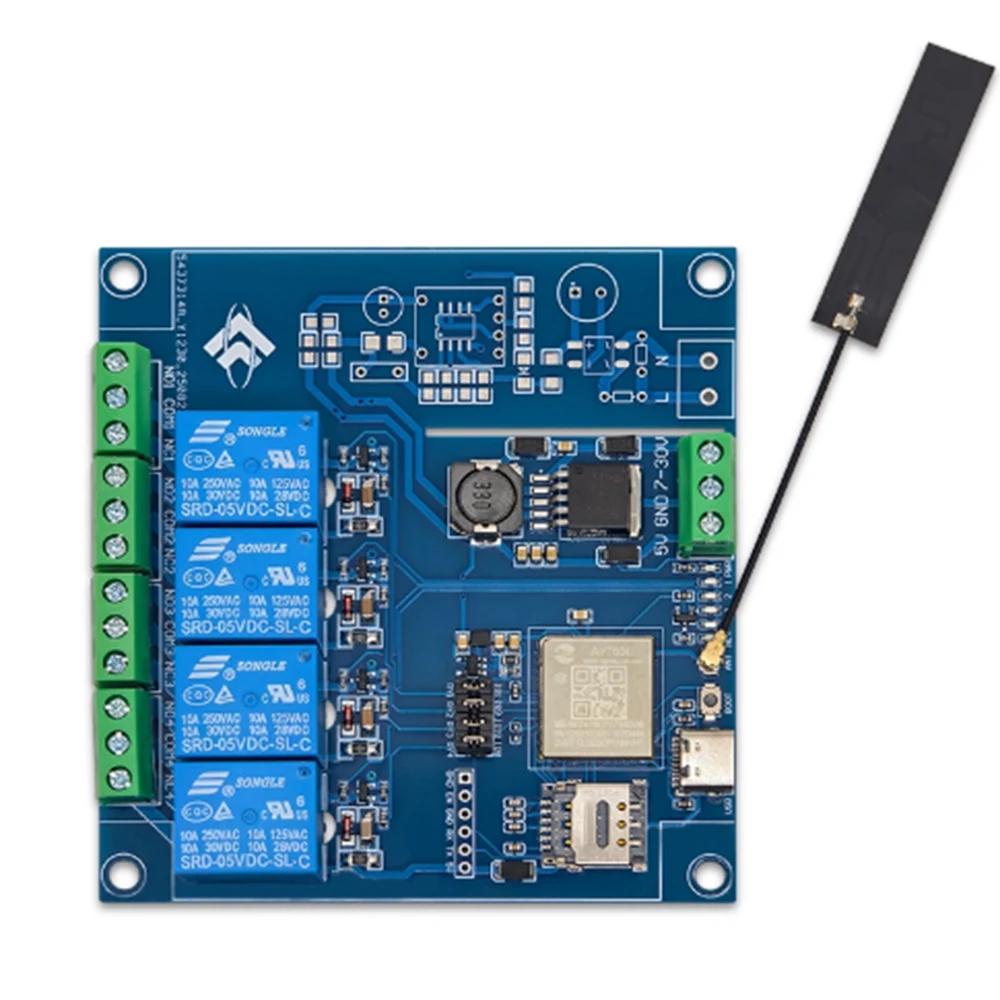
$17.50
IR780E 4G full network four way relay module Bluetooth WiFi development board DC7-24V power supply—
$17.50
Product Information
Product Information
Shipping & Returns
Shipping & Returns
Description
This product is only used for development learning and DIY accessories. The product involves certain technical knowledge. Please carefully review the product function introduction before making a purchase.
Product Overview
The 4G networked 4-channel relay uses AIR780E as the main control chip,
Air780E is the LTECat. 1bis communication module launched by HeZhou Communication,
4G full network, adaptable to different operators and products, default to using AT
Firmware, using AT commands for networking data transmission and reception functions; 4 road continuation
The electrical appliance is controlled by GPIO 1, 9, 10, and 8 pins, and the product supports Type_C port
5V+2.54mm pin arrangement 5V+DC7~24V.
Features
1. Users can develop based on AT instructions or directly based on
AIR780E development;
2. Onboard AIR780E module, low power consumption, sleep power consumption as low as 600uA;
3. Flip up nano SIM card holder, easy to install and remove;
4. Onboard blue AIR780E network status indicator light (GPO27);
5. Supports Type-C power supply and 2.54mm pin 5V power supply;
Instructions for Use
Preparation work: Using TYPE-C cable (with data function) and a Windows system computer
(Recommended for Windows 10 and above) Connect, insert the SIM card and 4G antenna into the board. Relay 4
Insert a jumper cap.
LuaTools installation:
1. Download the latest version of Luatools and unzip it to create a file named Luatools v3.exe
Running program;
2. Create a new LuaTools folder and copy or move Luatools_v3.exe to
Under the LuaTools folder;
3. Double click Luatatools_v3.exe to start installation. The following situation occurs. Click on the More Information option,
Then select the option to still run to complete the installation;
4. After running Luatools, you will be prompted to start the upgrade. Click on 'Start' to proceed with the upgrade. Once the upgrade is complete
Can be used normally.