🚚 Free Worldwide Shipping on All Orders!Shop Now

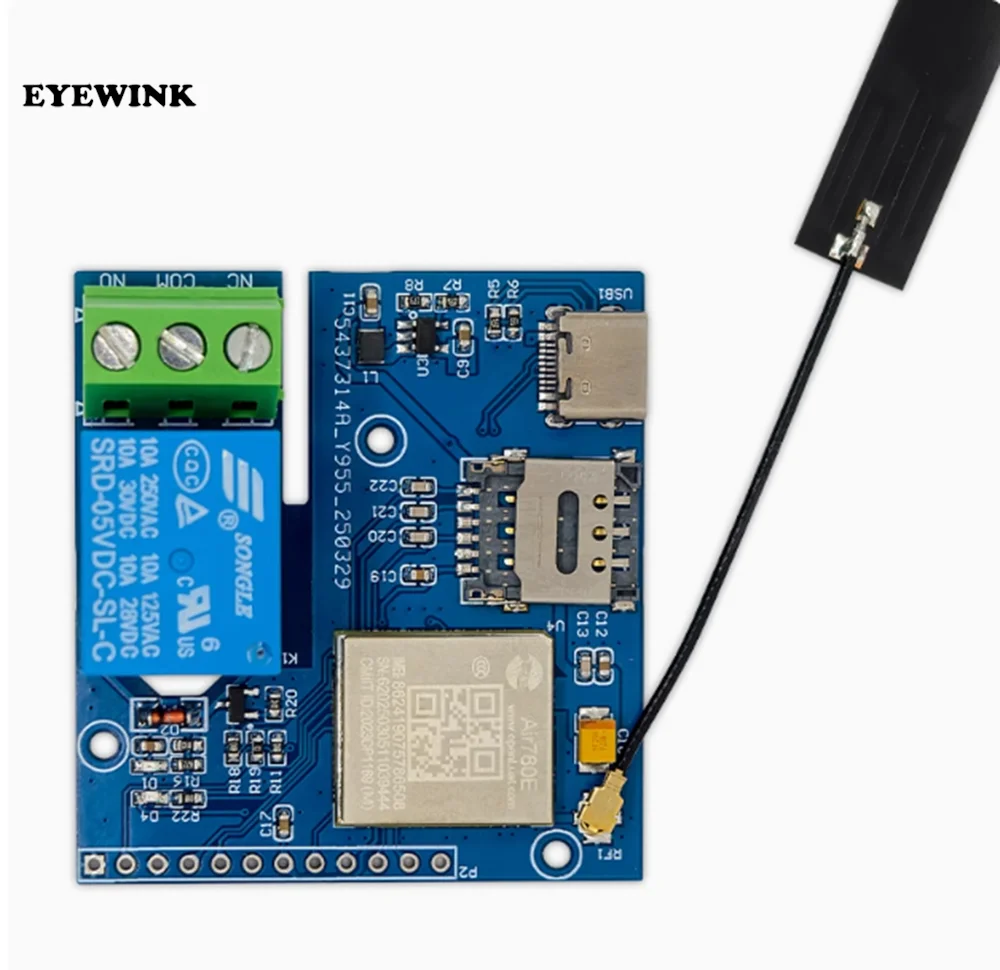
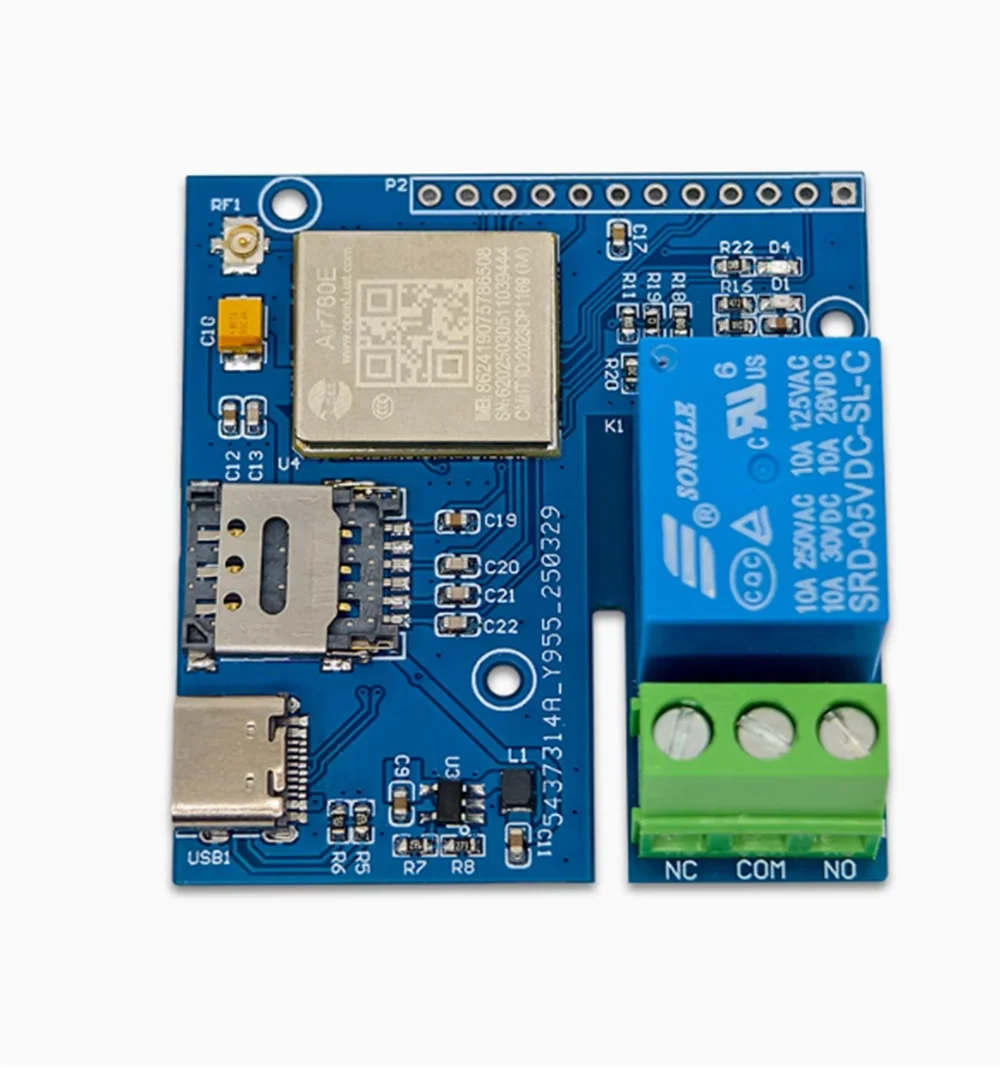
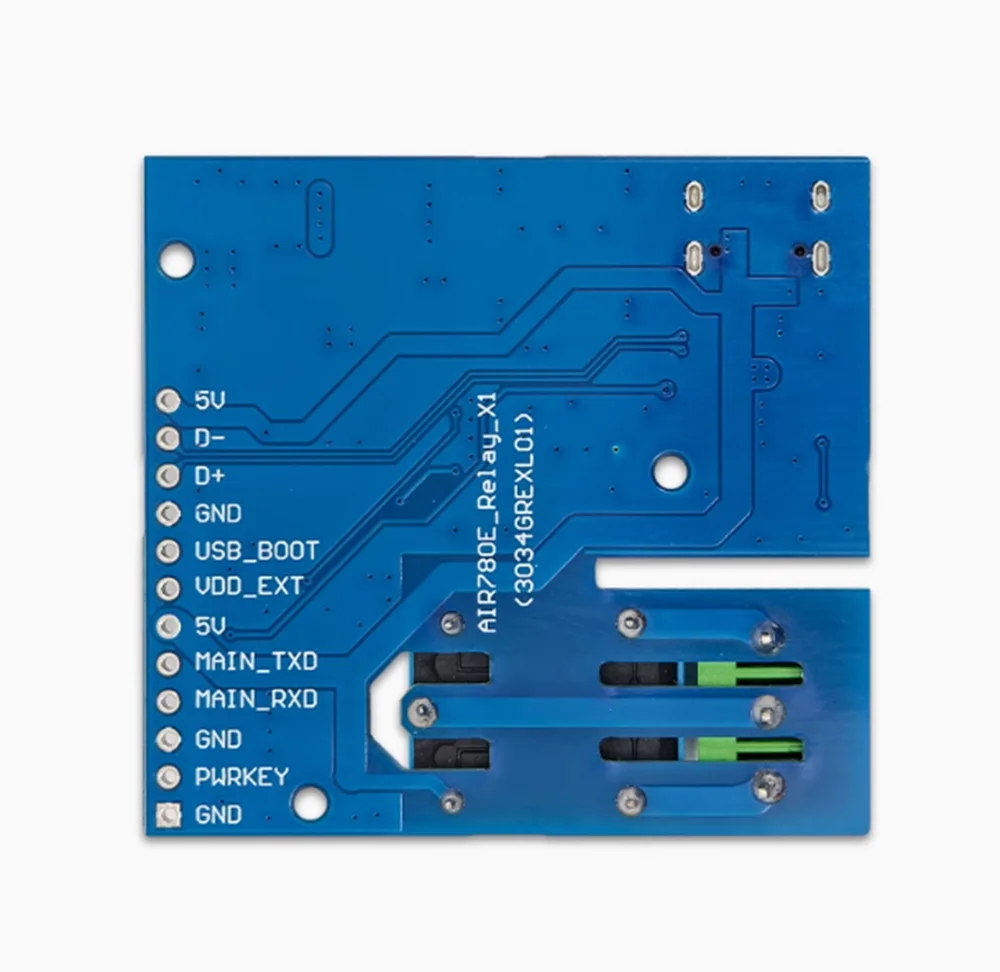
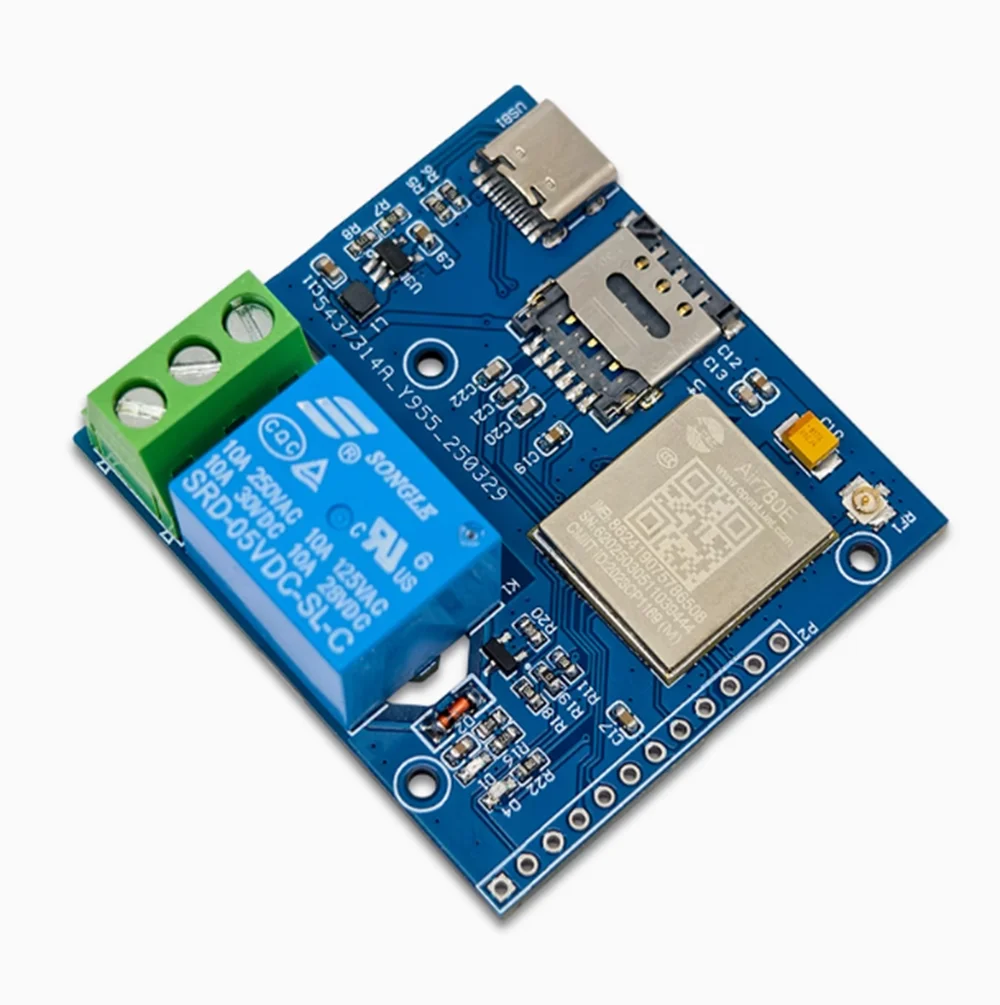
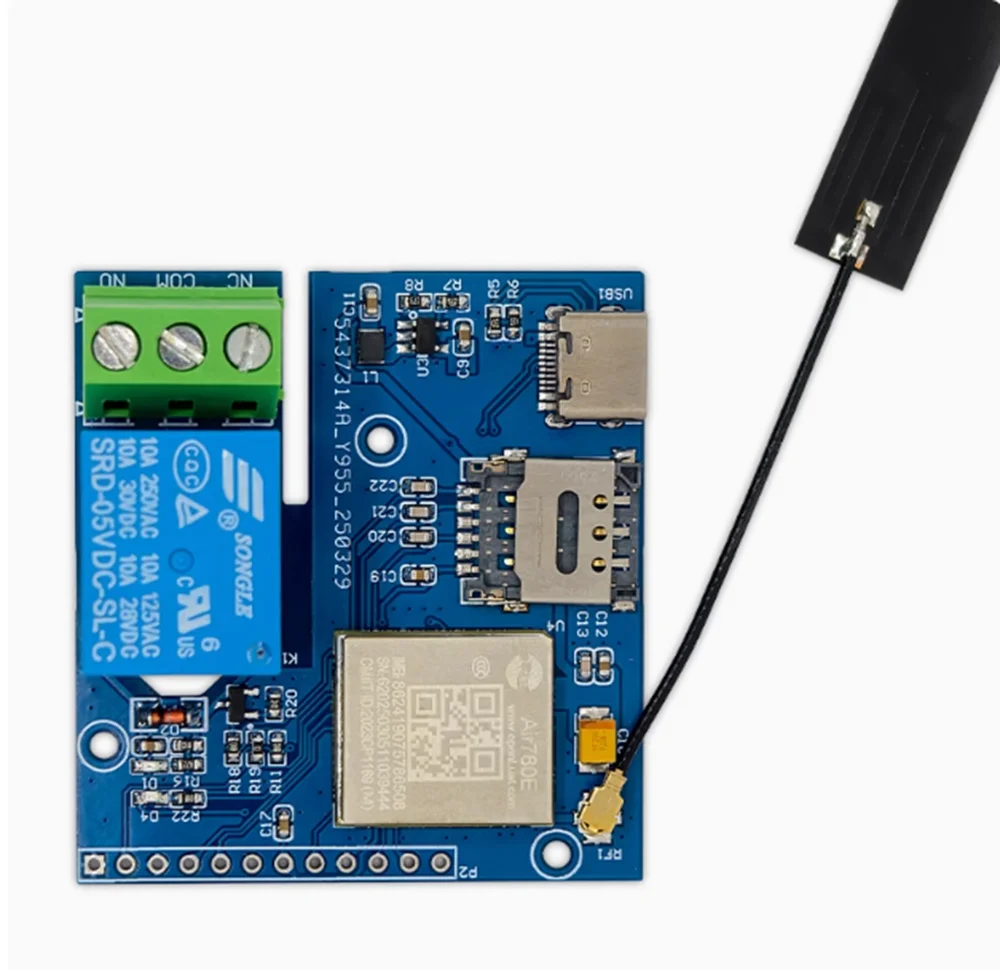
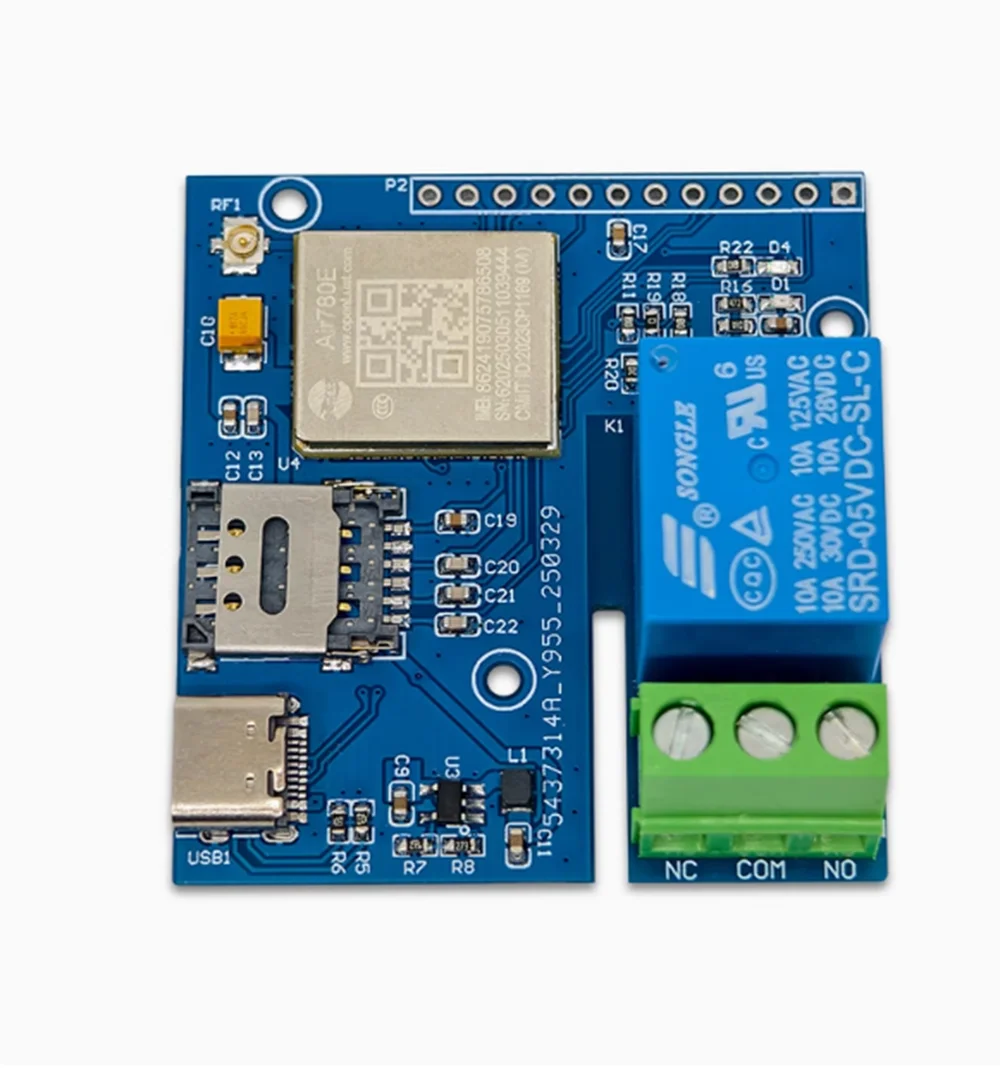
IoT 4G network single relay AIR780E module
Preparation work: Prepare a Type-C USB cable (USB cable is a data transmission cable, not a charging cable, the difference lies in whether there is DM and DP in the cable. A convenient verification method is to insert the C-port into the phone and check if the computer pops up a large capacity storage device. If it pops up, it proves that the cable is a data cable, otherwise the cable can only charge, that is, only VCC and GND) and a Windows system computer (recommended Windows 10 or above)
LuaTools installation:
1. Download the latest version of Luatools and extract it to create a running program named Luatools v3.exe;
2. Create a new LuaTools folder and copy or move Luatools_v3.exe to the LuaTools folder;
3. Double click Luatatools_v3.exe to start the installation. If the following situation occurs, click on the More Information option, and then select the option to still run to complete the installation;
4. After running Luatools, you will be prompted to start the upgrade. Click on 'Start' to proceed with the upgrade, and once the upgrade is complete, you can use it normally.


$3.38
Original: $11.26
-70%IoT 4G network single relay AIR780E module—
$11.26
$3.38Product Information
Product Information
Shipping & Returns
Shipping & Returns
Description
Preparation work: Prepare a Type-C USB cable (USB cable is a data transmission cable, not a charging cable, the difference lies in whether there is DM and DP in the cable. A convenient verification method is to insert the C-port into the phone and check if the computer pops up a large capacity storage device. If it pops up, it proves that the cable is a data cable, otherwise the cable can only charge, that is, only VCC and GND) and a Windows system computer (recommended Windows 10 or above)
LuaTools installation:
1. Download the latest version of Luatools and extract it to create a running program named Luatools v3.exe;
2. Create a new LuaTools folder and copy or move Luatools_v3.exe to the LuaTools folder;
3. Double click Luatatools_v3.exe to start the installation. If the following situation occurs, click on the More Information option, and then select the option to still run to complete the installation;
4. After running Luatools, you will be prompted to start the upgrade. Click on 'Start' to proceed with the upgrade, and once the upgrade is complete, you can use it normally.